
Custom skills
Custom skills
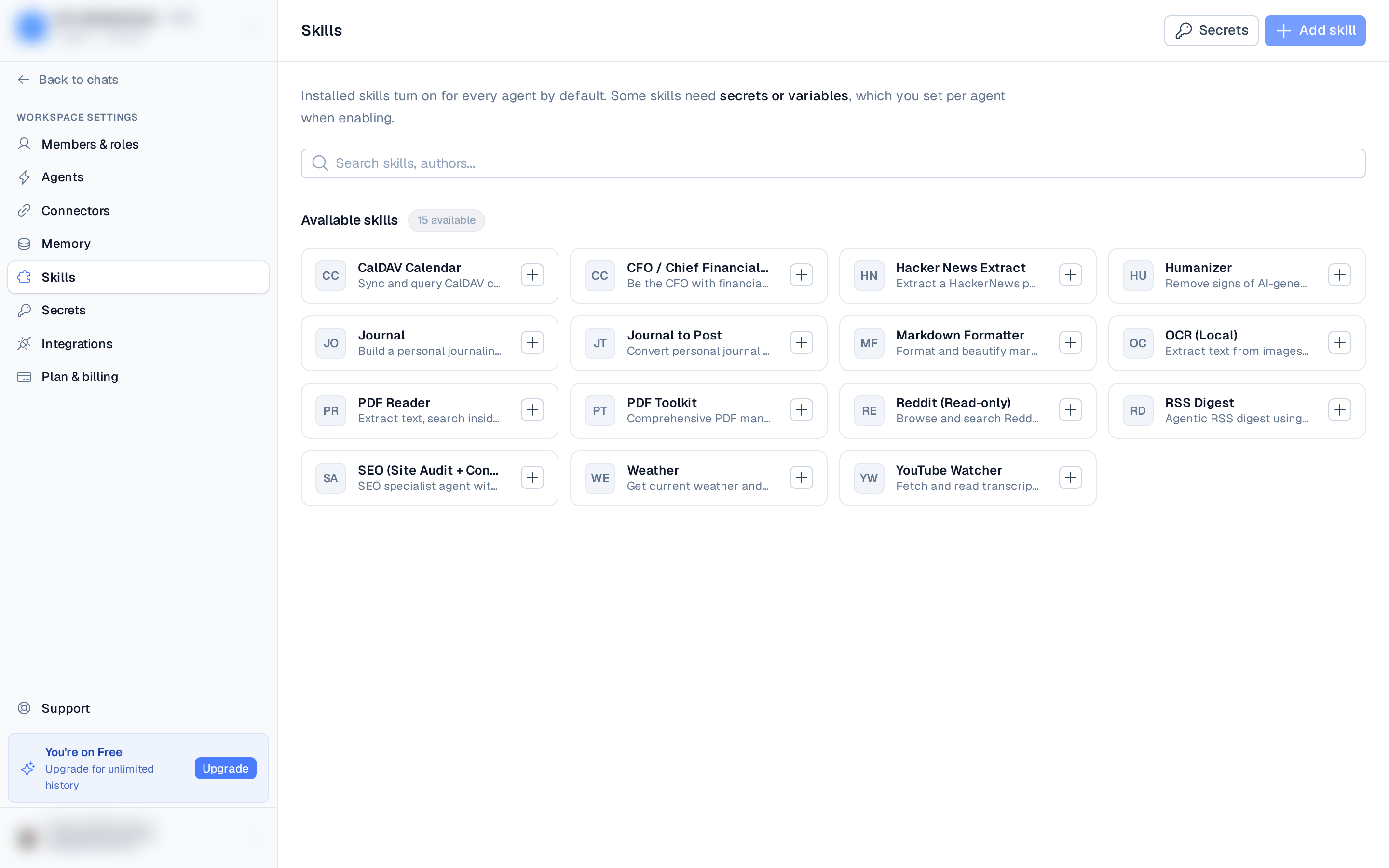
Beyond installing existing skills, you can author your own. Custom skills (created from a chat, upload, URL, or GitHub) appear in the Installed section of the Skills directory and can be edited in place.
Edit a skill
Click the pencil (edit) icon on a custom skill's card to open the skill editor — a structured form, not raw frontmatter. You edit:
- Title and slug (lowercase letters, numbers, hyphens, and underscores).
- An optional description.
- Credentials the skill requests from the agent's vault — add them from your existing secrets or define one manually (a SCREAMING_SNAKE_CASE key, a kind of API key / username-password / generic, and whether it's required).
- The skill content — the Markdown body of
SKILL.md(the editor handles the frontmatter for you).
Saving reinstalls the skill on the agents that have it enabled.
Save a chat as a skill
You can also turn a productive chat into a skill: open the ⋯ menu in
the chat header and choose Save as a reusable skill. BetterClaw drafts a SKILL.md from
the conversation for you to review and edit before saving. See
Save a chat as a skill for the full walkthrough.
Export / download
From the editor, use Download to export the skill as a ZIP — handy for backing it up, sharing it, or moving it to another workspace. Re-install it later from the Upload file source.
Enable it
Like any skill, a custom skill turns on for every agent by default; open its card to manage which agents have it enabled.