
Connectors
Connectors
Connectors give your agents access to external services. Where integrations are messaging apps people reach an agent through, connectors are services an agent uses to get work done — reading email, looking up tickets, querying analytics, and so on. They're backed by Composio, so the catalog covers a wide range of providers.
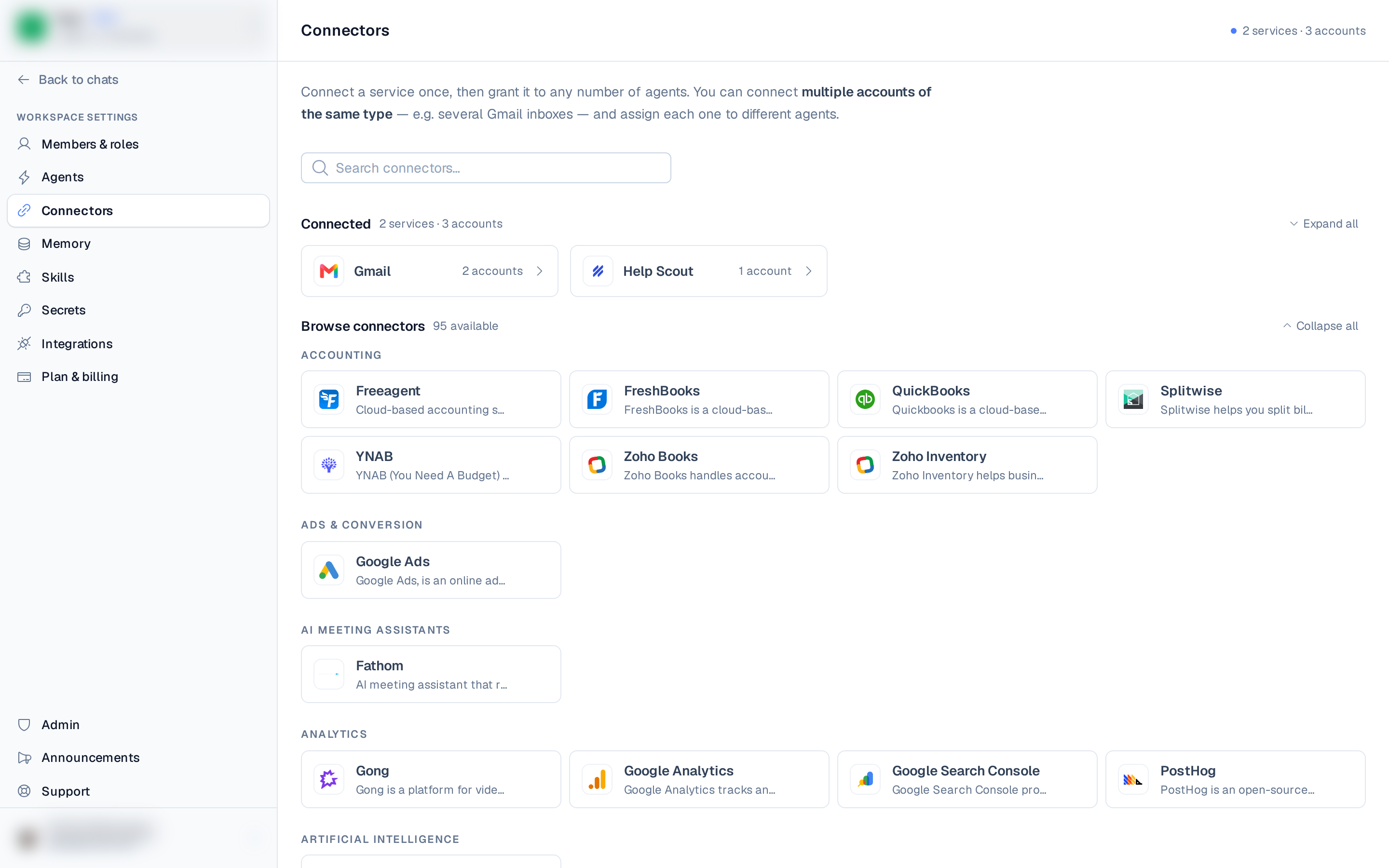
Open Connectors from the left rail — it's a top-level item, alongside Scheduled tasks.
The catalog
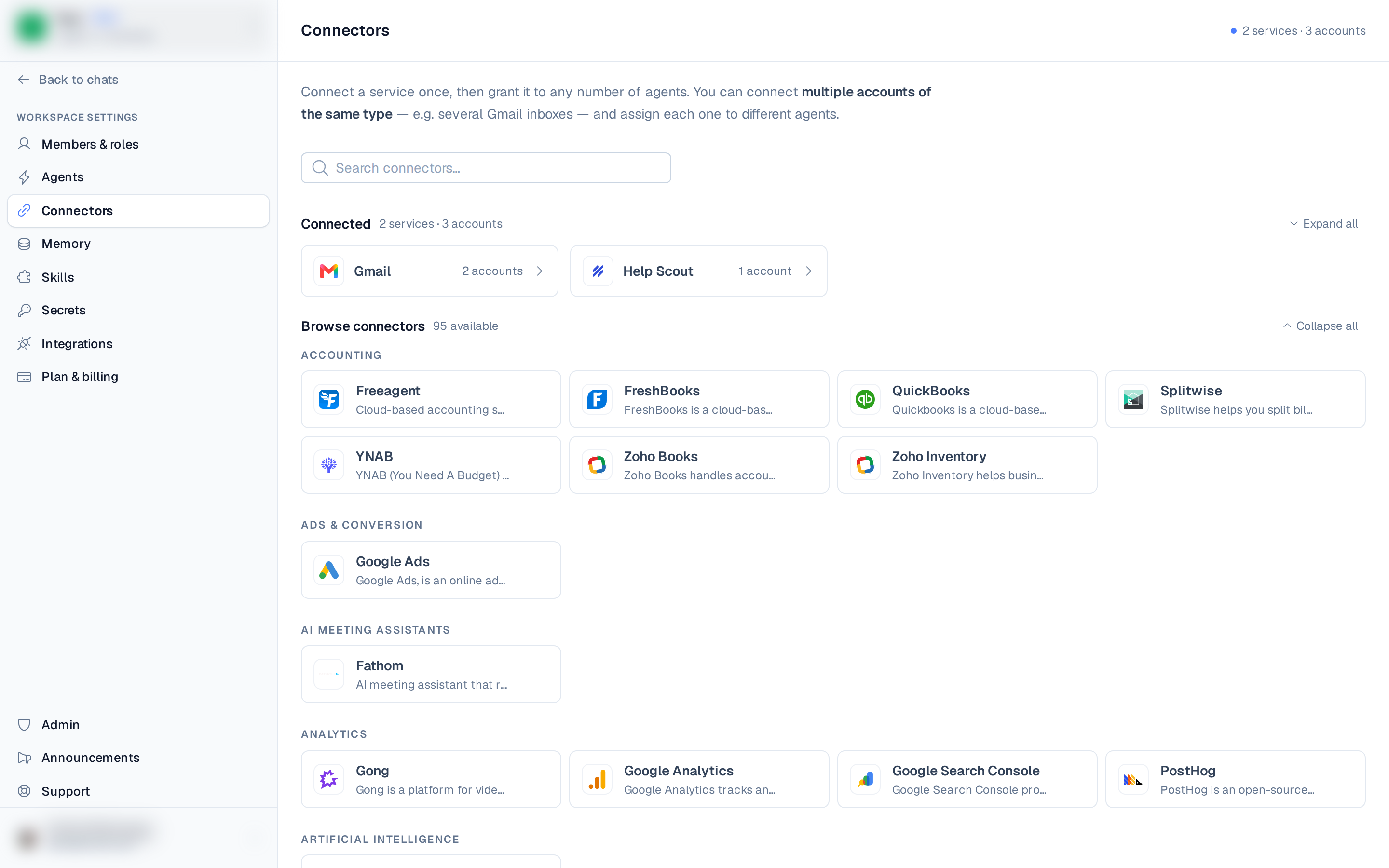
The Connectors page opens on Browse connectors — a catalog grouped by category, with a search box. Already-set-up services appear under a Connected heading at the top; everything else is under Available. A separate All skills view lists installable skills.
Connect an account
- Open Connectors and find the service you want.
- Select it to open the connect account modal. The modal adapts to how the service
authenticates:
- OAuth — you're redirected to the provider to authorize, then brought back. No keys to copy.
- API key — paste the key.
- Username & password — enter the login pair.
- Generic — paste a single value.
- Give the account a label (useful when you connect several accounts of the same service), then connect.
After connecting, the account is automatically assigned to all your agents so it's usable right away. For OAuth accounts, the connected account's email is filled in for you.
Multiple accounts
You can connect more than one account of the same service — for example, several Gmail inboxes — and assign each one to different agents.
Per-agent access
Access is granted per account, per agent. On a connector's detail view, each agent has a row where you pick which of that connector's accounts it can use. Toggle an account on for the agents that need it and off for the rest.
Manage accounts
From a connector's detail view you can:
- Rename an account.
- Remove an account, which revokes its access from every agent.
- Add account to connect another account of the same service.
When you remove a connector's last account, the connector auto-uninstalls from the workspace. You can also Remove the connector outright, which deletes all its accounts and revokes access from every agent.