
Models & Skills
LLM configuration
Choose the model that powers each agent and how it's authenticated.
LLM configuration
Every agent runs on a large language model that you choose. You configure the model per agent, so different agents in the same workspace can use different providers and models.
There are three ways to authenticate an agent's model:
Where to configure it
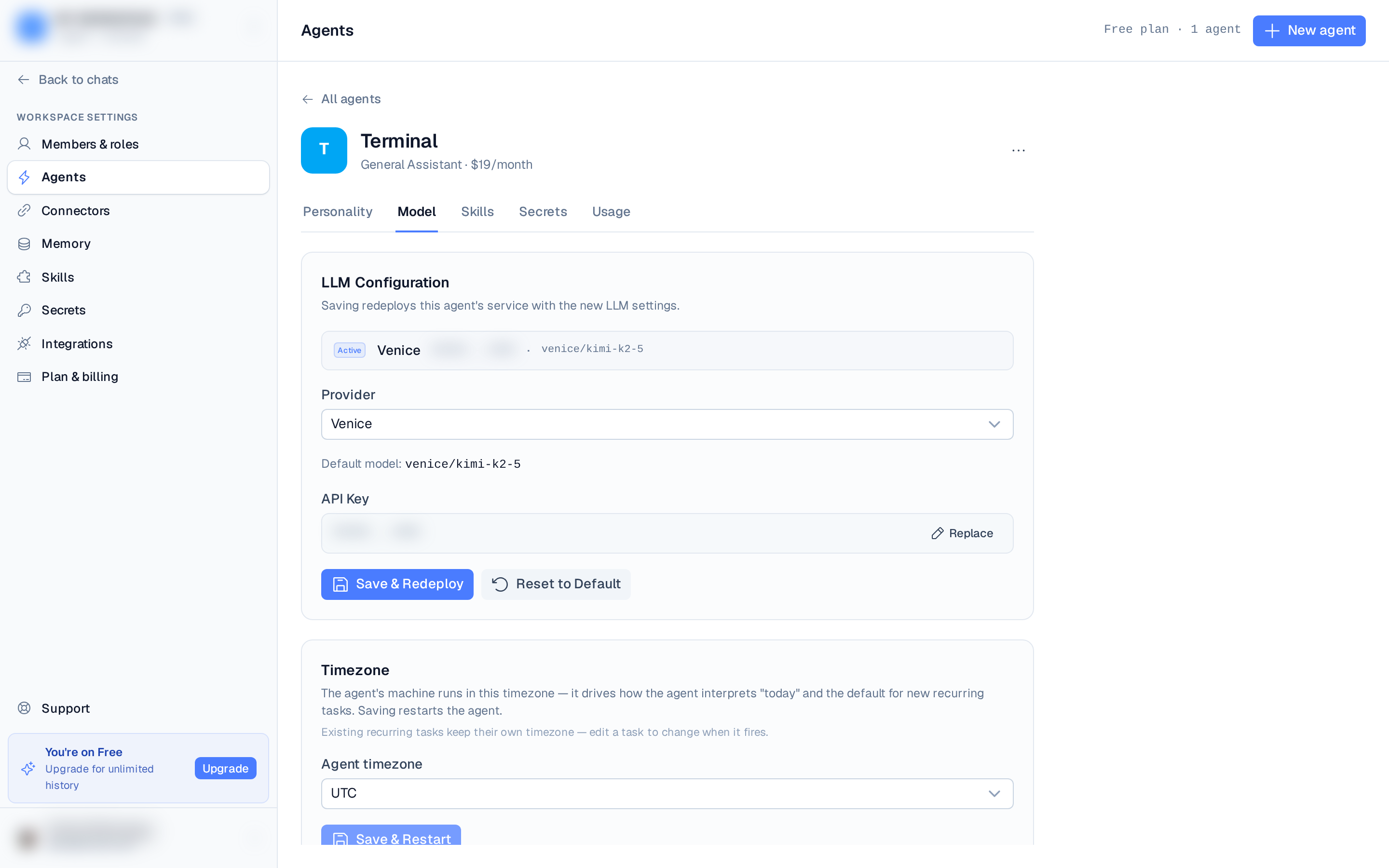
LLM settings live per agent, on the Model tab of the agent editor:
- Open Settings ▸ Agents from the left rail.
- Select the agent to configure.
- On the Model tab, choose a provider, then a model, then add your API key (or connect a ChatGPT subscription).
- Save & Redeploy — the agent's service redeploys with the new settings.
You can also set the model during onboarding when you create your first agent.
You can change the model without re-entering your API key, as long as you stay on the
same provider. Switching providers requires a fresh key.
Resetting to default
Use Reset to Default to clear the provider, model, and key and fall back to the managed OpenRouter default (GLM 5.3 Flash). The agent service redeploys with the default settings.