
Connect Your Tools
Telegram
Connect a Telegram bot to one of your agents.
Telegram
Connect a Telegram bot so people can chat with one of your agents from Telegram. You can connect more than one bot, each paired to a different agent.
Before you start
A bot connects to an agent, so make sure the workspace has at least one agent first. You'll also need a bot token from @BotFather on Telegram — create a bot there and copy the token it gives you.
Connect
- Open Settings ▸ Integrations and select Connect Telegram bot.
- Choose the agent that should answer messages.
- Paste the bot token from @BotFather.
- Choose who can message the bot:
- All users — anyone who messages the bot.
- Specific usernames only — an allowlist of Telegram usernames (comma or newline
separated, without the
@).
- Select Connect.
Manage it
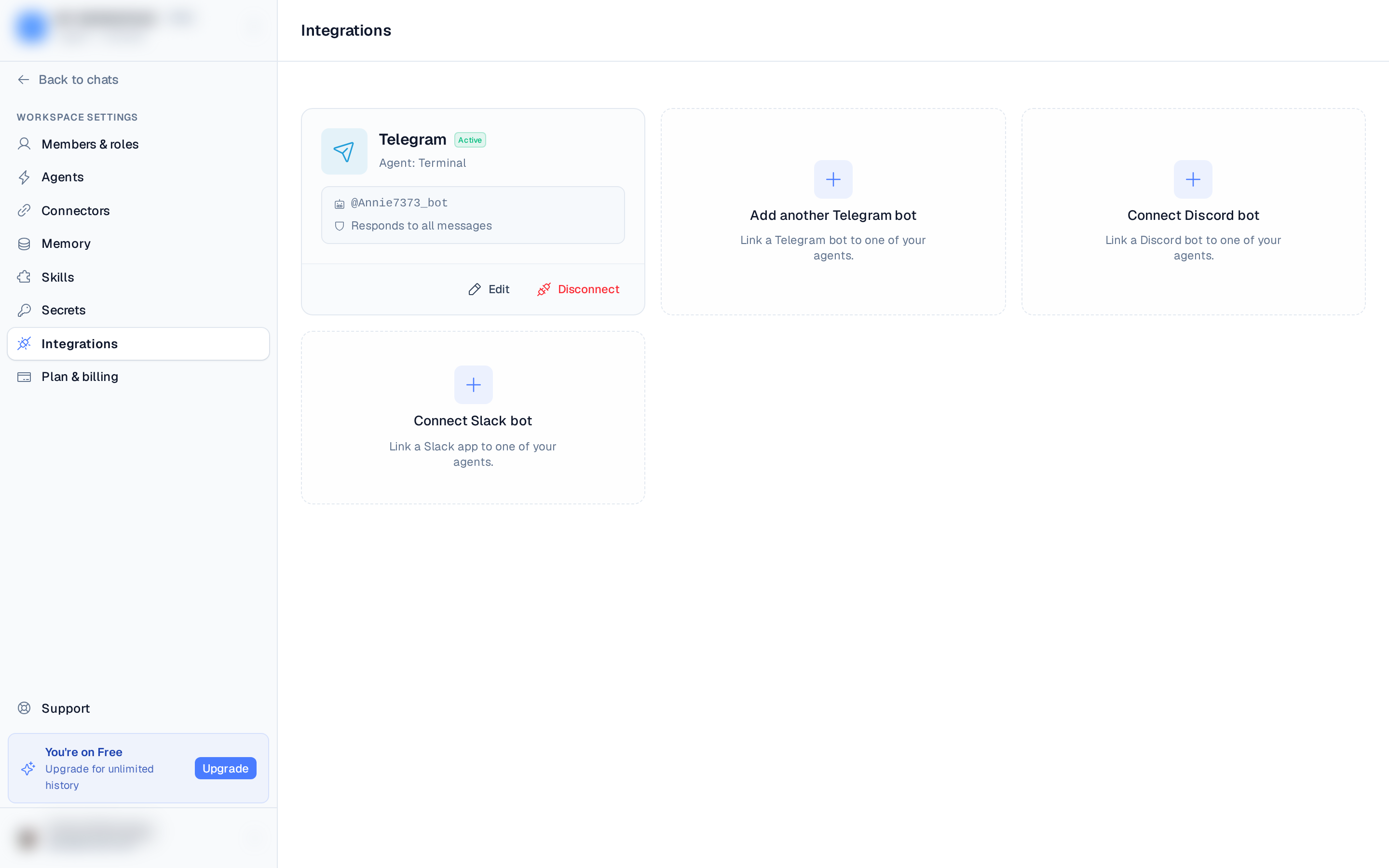
Each connected bot shows as a card on the Integrations page with its agent, bot username, and response mode. From the card you can:
- Edit — change the response mode and allowlist, or pause the bot (it stops responding without losing its configuration). To change the bot token, disconnect and reconnect.
- Disconnect — stop the bot from receiving messages. You can reconnect later.
Using it
Message your bot in Telegram and the assigned agent responds — the same agent you use in BetterClaw, now reachable from your phone.