Account & Team
Teams overview
Share a workspace with teammates using roles and invitations.
Teams
Workspaces can be shared with teammates. Everyone collaborates in the same workspace, with access governed by their role.
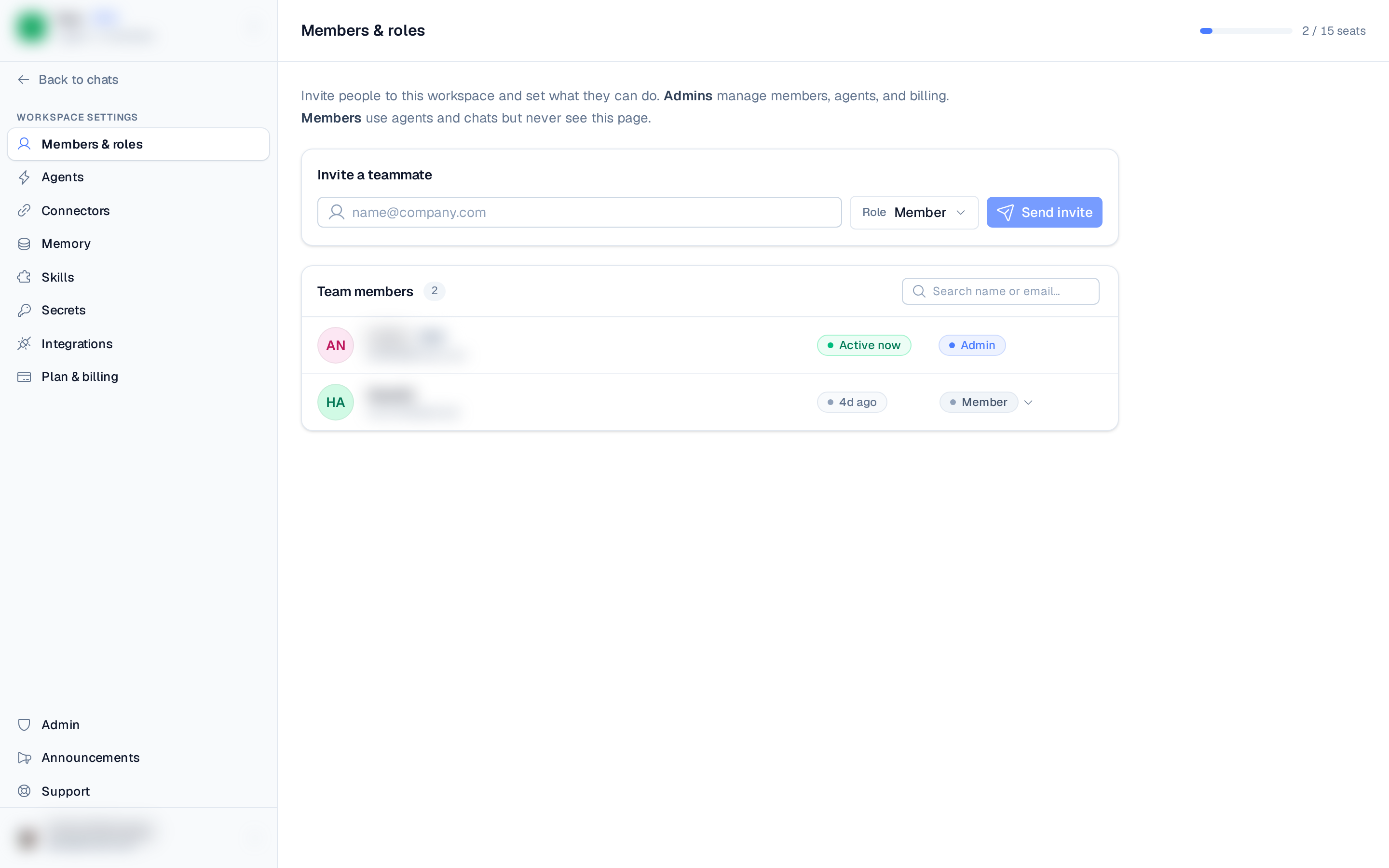
Manage your team from Settings ▸ Members & roles (the /members page). You'll see the
list of members, each person's role and activity, and any pending invitations.
Teams is a Pro feature. On Free you can't invite teammates — upgrade the workspace to Pro
from Plans & Billing to add people.
On Pro, a seats counter at the top of the page shows how many of the workspace's seats are in use (for example, 1 / 2 on Pro). Members and pending invites both count toward the limit; the owner doesn't.