
Models & Skills
ChatGPT subscription
Use your existing ChatGPT subscription instead of an API key.
Using a ChatGPT subscription
If you already pay for ChatGPT Plus or Pro, you can sign in with that subscription to power an agent — no separate OpenAI API key required. This is the bring-your-own-subscription option.
Connect it
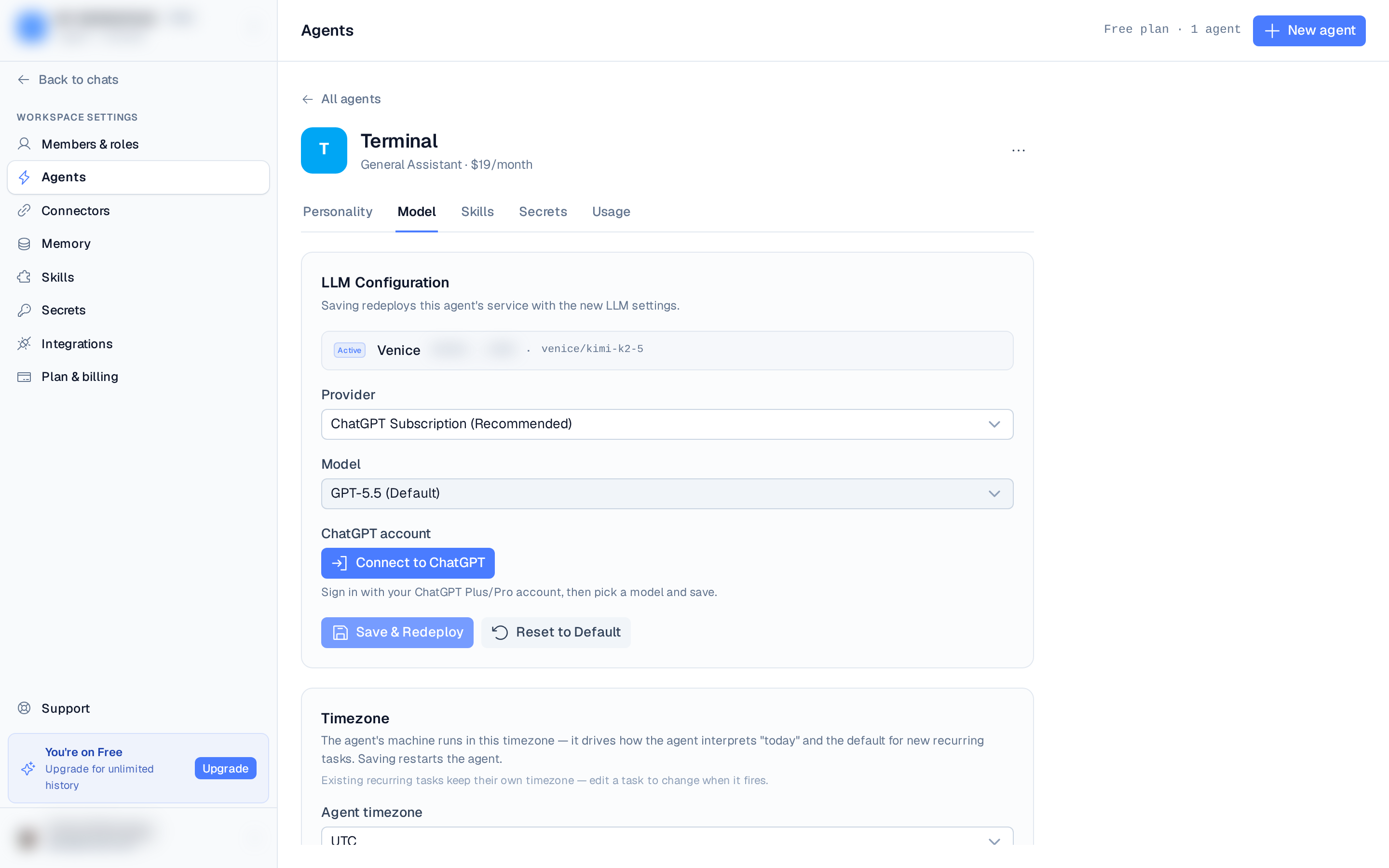
- Open Settings ▸ Agents, pick the agent, and on its Model tab choose ChatGPT Subscription as the provider.
- Pick a model (for example GPT-5.6 Terra, the default).
- Click Connect to open the "Connect your ChatGPT subscription" dialog, then follow its
three steps:
- Sign in with ChatGPT — opens a new browser tab where you approve access with your ChatGPT account.
- Copy the redirect URL — after approving, your browser lands on a "This site can't
be reached" page pointing at
localhost:1455. That's expected. Copy the full URL from the address bar. - Paste it back into the dialog and click Connect to finish.
- Back on the LLM tab, click Save & Redeploy.
If you use the Codex CLI, don't run
codex login at the same time — it can grab the redirect
URL before you copy it.Reconnecting and switching
Once connected, the LLM tab shows the subscription as connected. You can change the model without reconnecting, use Reconnect to re-authorize, or switch back to a provider API key or managed credits at any time.
This uses your OpenAI account through a secure OAuth sign-in. The available models match what
your ChatGPT plan includes.