Getting Started
Introduction
What BetterClaw is, who it's for, and how the pieces fit together.
What is BetterClaw?
BetterClaw is a chat-centric platform for deploying and managing your own AI agents. Each agent runs in its own managed container, connects to the tools and accounts you give it, and works on your behalf — answering chats, running scheduled tasks, and producing files you can download.
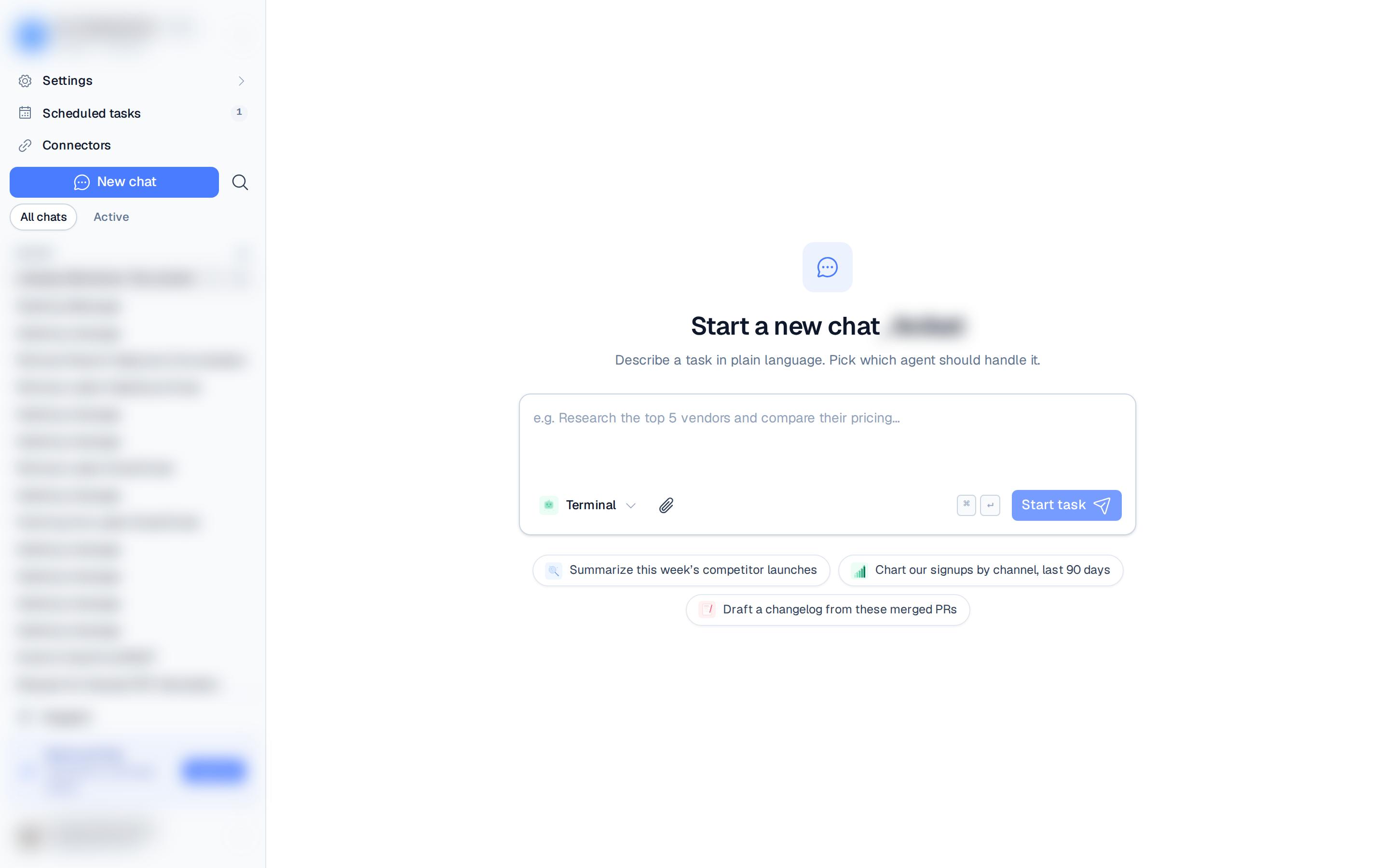
You don't manage any infrastructure. You sign in, set up a workspace and an agent, pick a model, and you land on a New chat screen ready to put your agent to work — usually within a minute.
What you can do
- Chat with your agent in real time, attach files, and share read-only transcripts.
- Schedule work with one-time and recurring (cron) tasks that run on their own.
- Automate multi-step jobs with workflows (Beta) that run on a schedule, from a webhook, or on demand.
- Extend your agent with skills installed from a catalog, GitHub, a URL, or a ZIP.
- Connect messaging apps (Telegram, Discord, Slack) and tools (Gmail, Zendesk, PostHog, and more).
- Secure credentials in an encrypted secrets vault with an access audit log.
- Collaborate by inviting teammates to a workspace with roles and permissions.
How you'll navigate
After you sign in, the app is built around chat. A left rail runs top to bottom:
- A workspace switcher at the top — switch between workspaces or create a new one.
- A Getting Started row with your checklist progress (for example, 3/12), until you finish or dismiss the checklist. See Quickstart.
- Chats, Workflows (tagged Beta), Scheduled tasks, Connectors, and Settings links.
- Below them, whatever the current section needs. In Chats that's a New chat button, chat search, All chats / Active / Archive filters, and your Pinned and Recent chats. In Settings it's the menu of everything you manage: Members & roles, Agents, Skills, Secrets, Browser, Integrations, plus Plan & billing (Owners and Admins only).
- Support and your user menu (Your profile, Billing, Log out) at the bottom.