Agents overview
Agents
An agent is an AI worker that lives in your workspace. Each agent has its own identity and configuration, so you can give different work to different specialists. Every agent has:
- A name and avatar — how you tell agents apart in chats, tasks, and pickers.
- A personality — plain-text instructions (its
soul.md) that shape how it thinks, writes, and behaves. - A model — the LLM provider and model it runs on, plus its API key (see LLM configuration).
- Skills — capabilities you install and enable for it (see Skills).
- Secrets and connected accounts — the credentials and tools it's allowed to use.
- A timezone — so scheduled work and "today" match your day.
Agents are created from templates (Research Analyst, Software Developer, Marketing Strategist, Finance Analyst, Content Writer, General Assistant) and you can customize everything afterward.
Agents do the work behind your chats and tasks, and they're who you reach through integrations like Telegram and Slack.
Where agents live
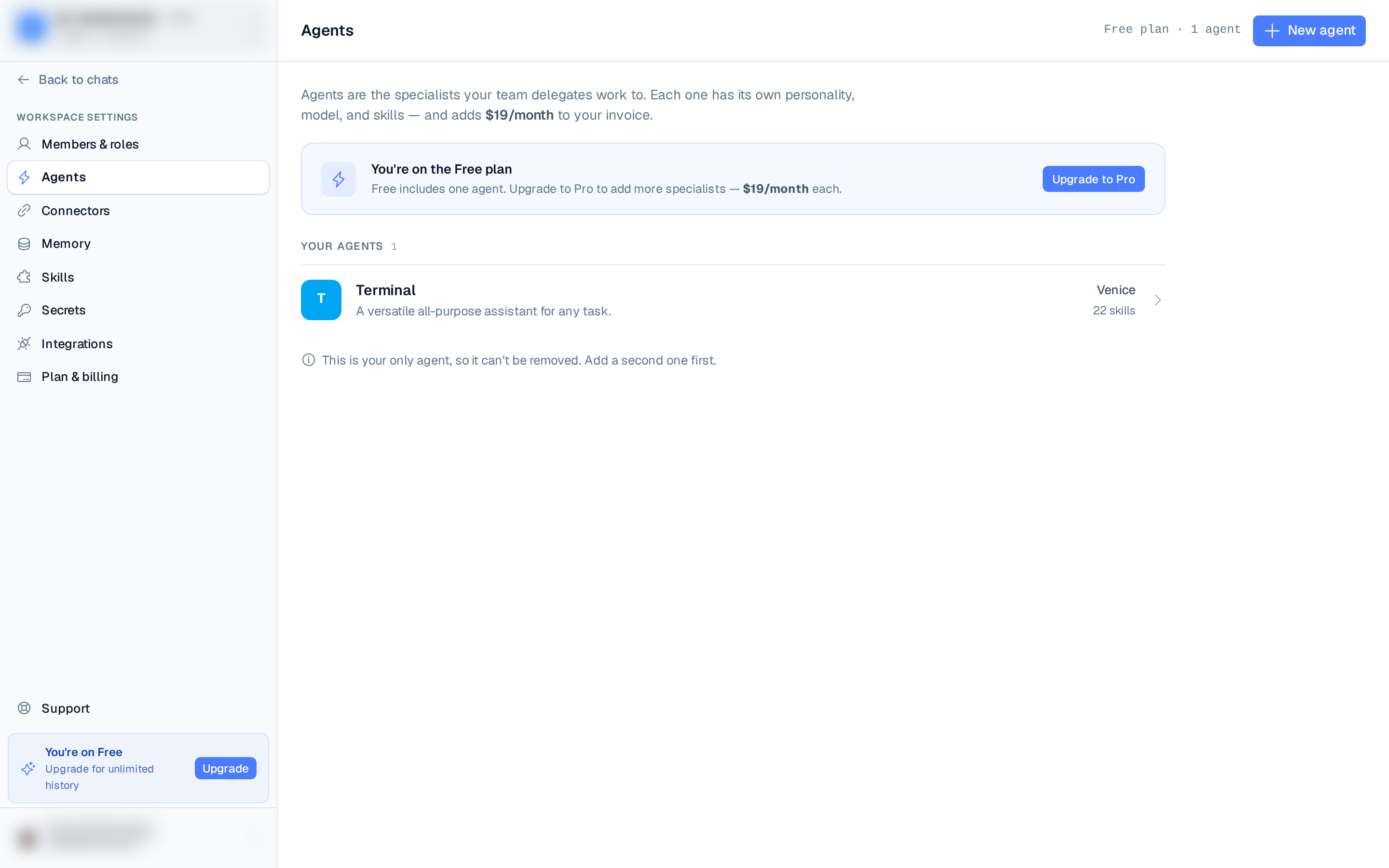
In the left rail, under Workspace settings, choose Agents. The Agents page lists every agent in the current workspace; select one to open its editor (personality, model, skills, secrets, usage). Per-agent LLM provider, model, API key, and timezone can also be configured from the workspace Settings page.
How many agents can I have?
| Plan | Agents per workspace |
|---|---|
| Free | 1 |
| Pro | Up to 25 |
Pro includes 5 agents; each agent beyond that adds $12/month to your invoice, prorated from the day you add it. Business includes 25, then $8/month per extra agent. Remove an agent anytime to stop the charge.