
Bring your own key
Bring your own key (BYOK)
On the Free plan, agents run on an API key you provide. BYOK is also available on Pro if you'd rather use your own provider account than managed credits.
Add a key
- Open Settings ▸ Agents and select the agent to configure.
- Open its Model tab.
- Choose your provider.
- Choose a model (or, for a single-model provider, the default model is shown).
- Paste your provider API key — the field shows the expected key prefix as a hint
(for example
sk-ant-...for Anthropic). - Save & Redeploy.
Your key is stored encrypted and used only to run that agent's model.
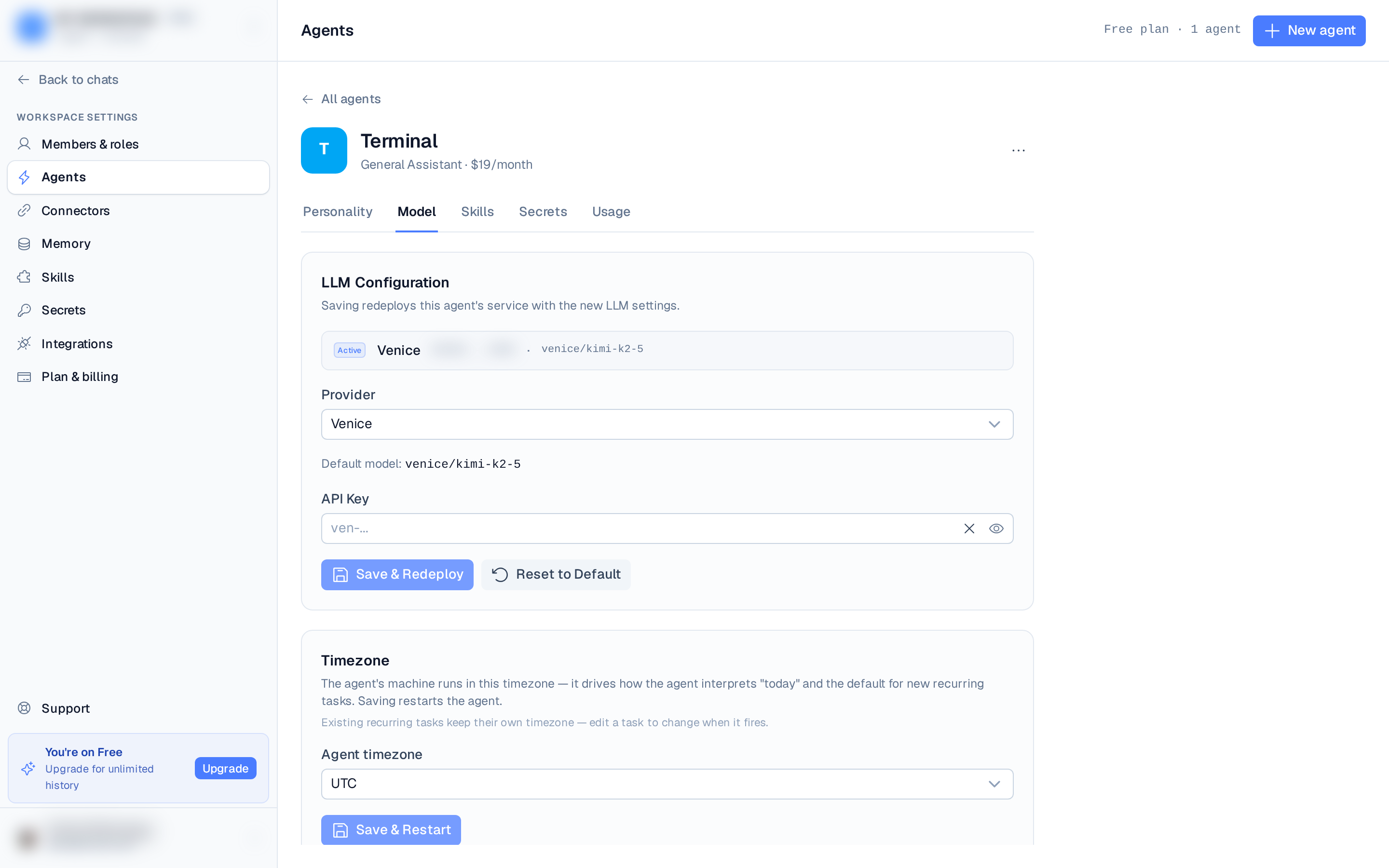
Replacing or changing the key
Once a key is saved, the LLM tab shows it masked. Click Replace to enter a new one. You can switch to a different model from the same provider without re-entering your key — only the model selection changes. Switching to a different provider always requires a fresh key, since a key for one provider won't authenticate against another.
Custom provider env var
For a Custom provider (self-hosted or an endpoint not in the list), you also set the
API key env var name your model client reads the key from — uppercase letters, digits,
and underscores, e.g. MY_PROVIDER_API_KEY. See
Providers & models.